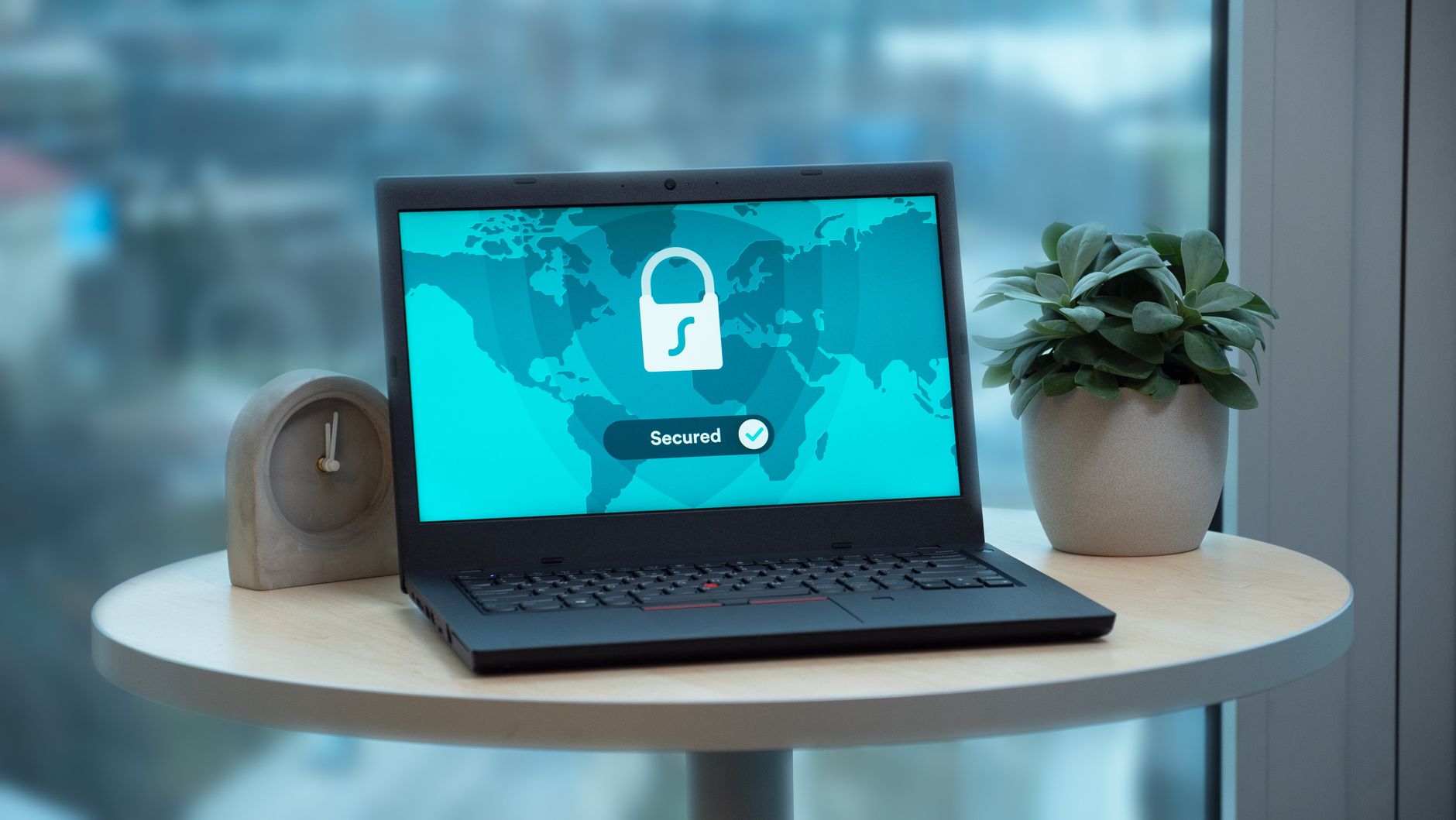
Windows 11 security check is set to block apps from running on unprotected PCs, impacting users significantly. This new feature aims to enhance security for all users.
What is the Windows 11 Security Check?
The Windows 11 security check is a new feature introduced by Microsoft aimed at enhancing the security of personal computers running the latest operating system. This tool acts as a safeguard, ensuring that applications run only on systems that meet specific security standards. By performing a comprehensive evaluation, the security check identifies potential vulnerabilities and prompts users to take necessary actions to fortify their systems.
As part of this initiative, Microsoft has collaborated with major software developers such as Adobe and Blizzard to ensure their applications comply with the updated security protocols. The security check not only protects users but also creates a safer environment for all applications running on Windows 11.
Key aspects of the Windows 11 security check include:
- Real-time Protection: Continuously assesses the security status of your PC.
- Application Compliance: Verifies if applications meet the required security standards.
- User Notifications: Alerts users about potential risks and necessary updates.
This proactive approach aims to prevent the execution of untrusted applications, thereby reducing the risk of malware and other security threats. With the Windows 11 security check, users can enjoy a more secure computing experience, ensuring that their data and privacy are well protected.
How Will This Affect Users?
The introduction of the Windows 11 security check is set to significantly impact users across various sectors. As Microsoft enhances its security protocols, the implications for both individual and enterprise users are noteworthy.
Firstly, users may experience changes in their app functionality. With the security check in place, applications that do not meet the required security standards could be blocked from running. This means that developers, including major companies like Adobe and Blizzard, will need to ensure their apps comply with the new requirements. If they fail to do so, users may find themselves unable to access essential tools and games.
Additionally, there is a strong focus on user safety. The Windows 11 security check is designed to prevent the execution of potentially harmful software, which could reduce the risks associated with malware and cyberattacks. This change aims to create a more secure environment for all users, but it may also lead to some frustration as users adapt to the new limitations.
In summary, while the Windows 11 security check introduces necessary protections, it also presents challenges. Users must stay informed and ensure their applications are updated to comply with these new security measures, thereby enhancing their overall computing experience.
Adobe and Blizzard’s Response
In response to Microsoft’s rollout of the Windows 11 security check, both Adobe and Blizzard have taken significant steps to ensure their applications remain functional while adhering to the new security protocols. As the Windows 11 security check aims to block apps from running on unprotected PCs, these companies are prioritizing user security without compromising usability.
Adobe has announced that it is working diligently to update its software suite, including popular programs like Photoshop and Acrobat Reader. The company emphasizes the importance of maintaining high security standards and is actively enhancing its applications to comply with the Windows 11 security requirements. Adobe encourages users to regularly update their software to benefit from the latest security features.
Blizzard, known for its renowned gaming titles, is also adapting to the changes brought by the Windows 11 security check. The gaming giant reassured players that it is committed to providing a secure gaming environment. Blizzard plans to implement necessary updates that align with Microsoft’s security policies, thus ensuring that users can continue to enjoy their favorite games without interruption.
Both companies recognize the necessity of these changes and are collaborating with Microsoft to ensure a smooth transition for users. Keeping software up to date will be crucial in maintaining security in the evolving digital landscape.
Benefits of Enhanced Security
The introduction of the Windows 11 security check brings several benefits that significantly enhance the safety and performance of personal computers. By ensuring that only secure applications can run, users can enjoy a more reliable computing experience. Below are some key advantages of this feature:
- Increased Protection: The security check actively monitors applications and prevents unverified software from executing, reducing the risk of malware infections.
- Improved System Performance: By blocking potentially harmful applications, users can maintain a cleaner system, leading to faster performance and reduced crashes.
- User-Friendly Interface: The Windows 11 security check is designed with user experience in mind, providing clear notifications and easy options for managing application permissions.
- Regular Updates: Microsoft continuously updates its security protocols, ensuring that the security check adapts to the latest threats and vulnerabilities.
- Collaboration with Major Developers: With support from notable companies like Adobe and Blizzard, users can trust that popular applications are regularly evaluated for security compliance.
Overall, the Windows 11 security check serves as a vital tool for maintaining a safe computing environment, empowering users to make informed decisions about the software they install and use.
Potential Drawbacks for Gamers
While the Windows 11 security check aims to enhance safety, it may pose potential drawbacks for gamers. Many gamers rely on a variety of third-party applications and tools to improve their gaming experience. Unfortunately, the new security measures could inadvertently block these applications, leading to frustration among users.
Some of the potential drawbacks include:
- Compatibility Issues: Not all games and applications are guaranteed to meet the new security standards, which could prevent them from launching or functioning properly.
- Increased Load Times: The security check may introduce delays during application startup as the system verifies the integrity of each program, impacting overall gaming performance.
- Frequent Updates: Gamers might find themselves needing to regularly update their applications to comply with the latest security requirements, which can be inconvenient.
- Access to Legacy Games: Older games that do not prioritize current security protocols could become unplayable, limiting gamers’ access to their favorite titles.
Ultimately, while the Windows 11 security check promises a safer environment, it is essential for developers and gamers alike to navigate these challenges carefully to ensure a smooth gaming experience.
User Reactions to the Update
User reactions to the recent Windows 11 security check update have been mixed, with many users expressing both concern and appreciation. Some users welcome the added layer of security, believing it is essential for protecting their data and devices against emerging threats.
In a recent survey, users shared their thoughts:
- Positive Feedback: Many users praised the security check for its proactive approach. One user stated, “I feel much safer knowing that my PC is being monitored for vulnerabilities.”
- Concerns About Compatibility: Others voiced worries about app compatibility. Some gamers reported issues with certain applications not running due to the security measures. “I just want to play my games without interruptions,” lamented a frustrated user.
- Learning Curve: A number of users mentioned the need for more guidance on navigating the new security features. “I appreciate the security check, but it took me a while to figure out how to adjust my settings,” said one user.
- Overall Sentiment: Despite the concerns, a significant portion of users supports the Windows 11 security check, recognizing that maintaining security is crucial in today’s digital landscape.
As Microsoft continues to refine these features, user feedback will play an essential role in shaping future updates.
Future Implications for Software Security
The introduction of the Windows 11 security check signals a significant shift in how software security will be prioritized in the future. As cyber threats continue to evolve, the need for robust security measures has never been more critical. This new feature aims to ensure that only applications meeting specific security criteria can run on unprotected PCs, effectively reducing the risk of malware and other malicious attacks.
Looking ahead, several implications arise from this proactive approach:
- Stricter Application Standards: Developers will need to adhere to higher security standards, fostering a culture of accountability in software development.
- Increased User Awareness: Users may become more discerning about the applications they install, understanding the importance of security checks.
- Adoption of Best Practices: Companies might invest more in cybersecurity training and practices, knowing that their software must pass rigorous assessments to be compatible with Windows 11.
- Potential for New Threats: As security measures tighten, some malicious actors may shift tactics, seeking vulnerabilities in the new system.
Ultimately, the Windows 11 security check represents a forward-thinking initiative that not only protects users today but also sets a precedent for the evolution of software security in the years to come.
Photo by Dan Nelson on Pexels